Once you’ve started your event draft, the first screen you'll land on is the General Information section. This is where you name your event, categorise it, and set the basic language and tag settings that help your show get discovered.
Event Title
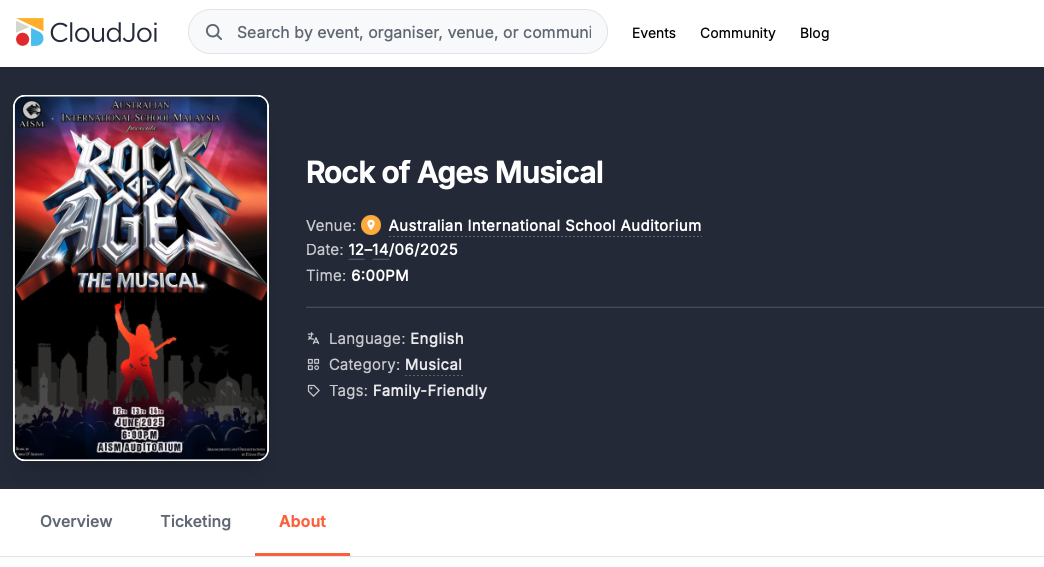
This is the public-facing name of your event.
-
Keep it clear and simple — avoid all caps or excessive punctuation.
-
If your event runs as a series, include the edition or year.
(e.g. “Kuala Lumpur Film Fest 2025”)
Category & Tags
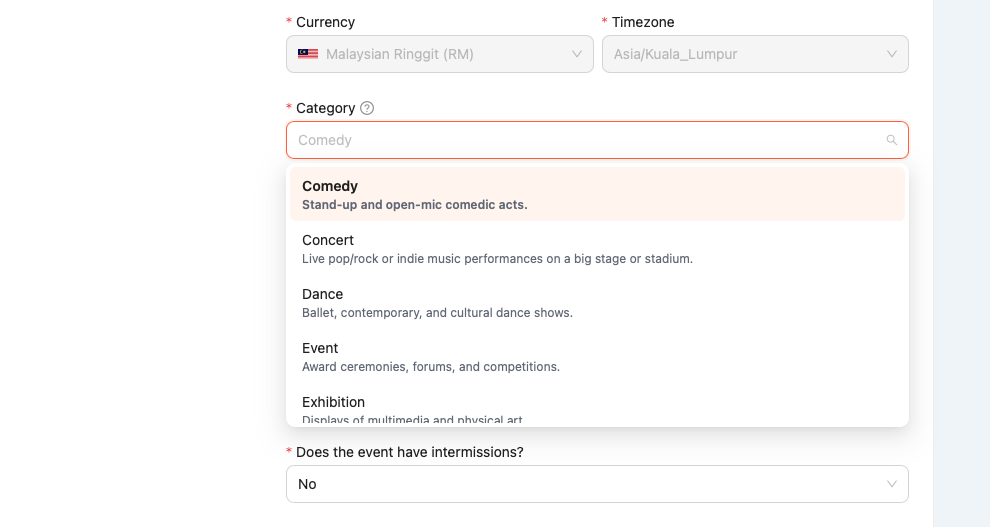
Category
-
Choose the category that best fits your event (e.g. Comedy, Music, Theatre).
-
This determines where your event shows up across CloudJoi.
-
Please refer our guide for better categorisation here
Tags
-
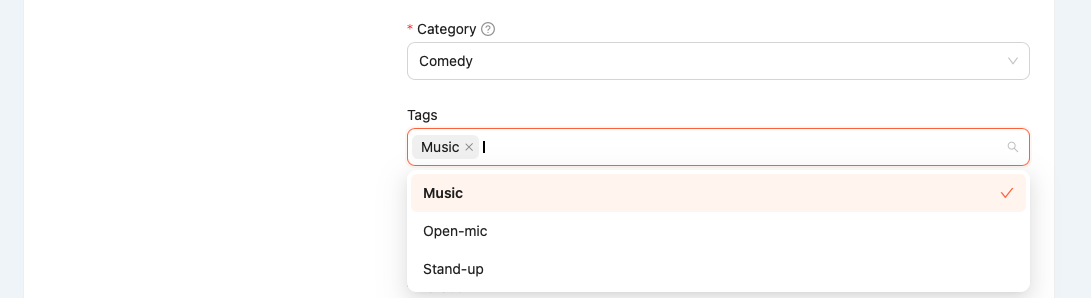
Add 2–5 tags to improve search visibility.
-
Tags are internal and help with discoverability, not shown on public listing.
💡 Tip: Avoid generic tags like “event” or “Malaysia” — they won’t help with filtering.
Language
This refers to the primary language spoken or presented at the event.
-
Select one or more: English, Bahasa Malaysia, 中文 (Mandarin), etc.
-
If your event is multilingual, choose all that apply.
Duration & Intermissions
Duration
- Enter the estimated runtime in minutes (e.g. “90”).
Intermissions
-
Select Yes or No.
-
If “Yes”, you’ll be asked to indicate how many breaks and how long.