Showcase your team’s hard work! This guide explains how to add cast members, crew, speakers, or collaborators to your event page and where their credits will appear.
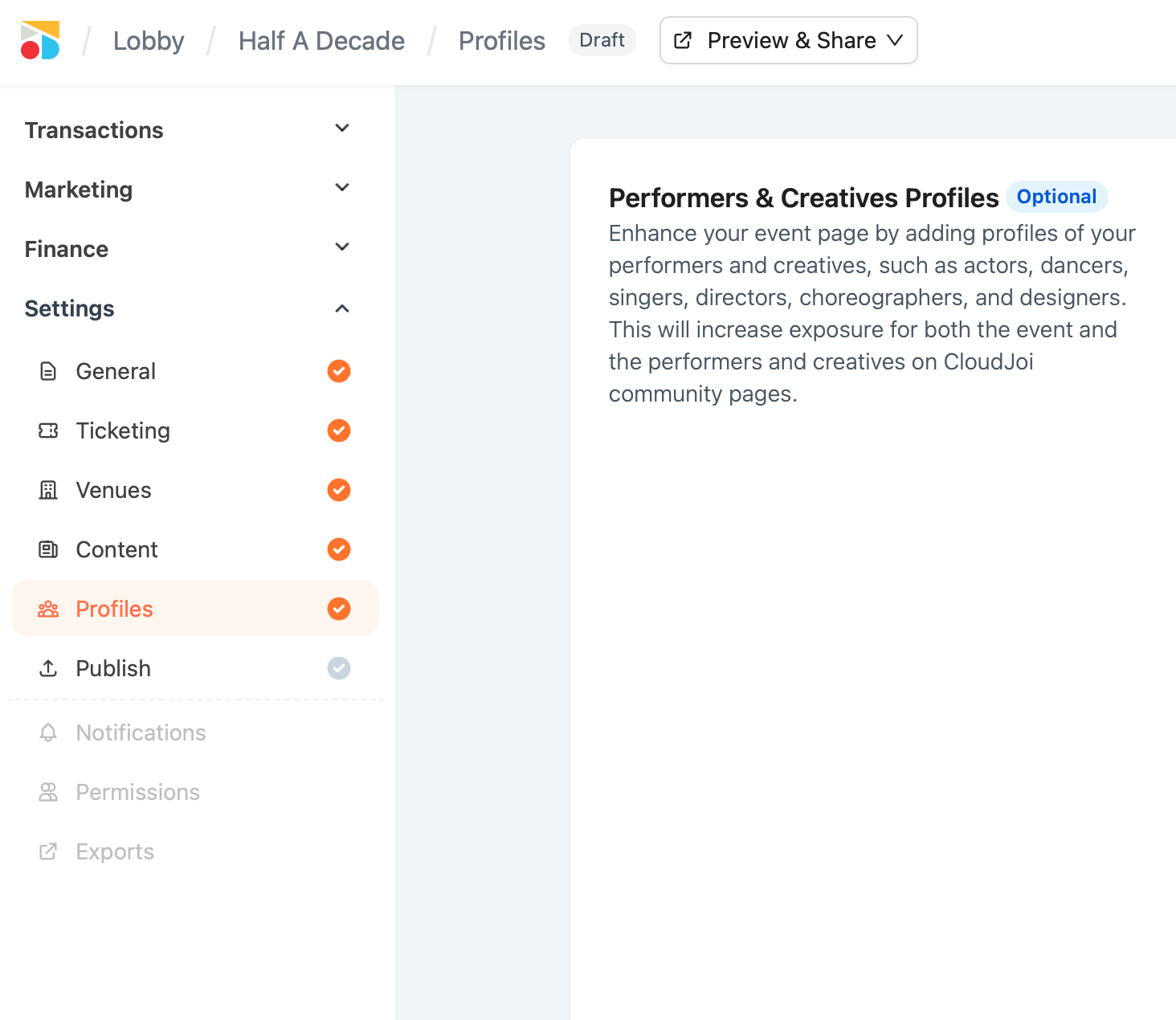
How to Add Credits
-
Go to your Event Dashboard → Select the event you want to edit.
-
Navigate to "Profiles"
-
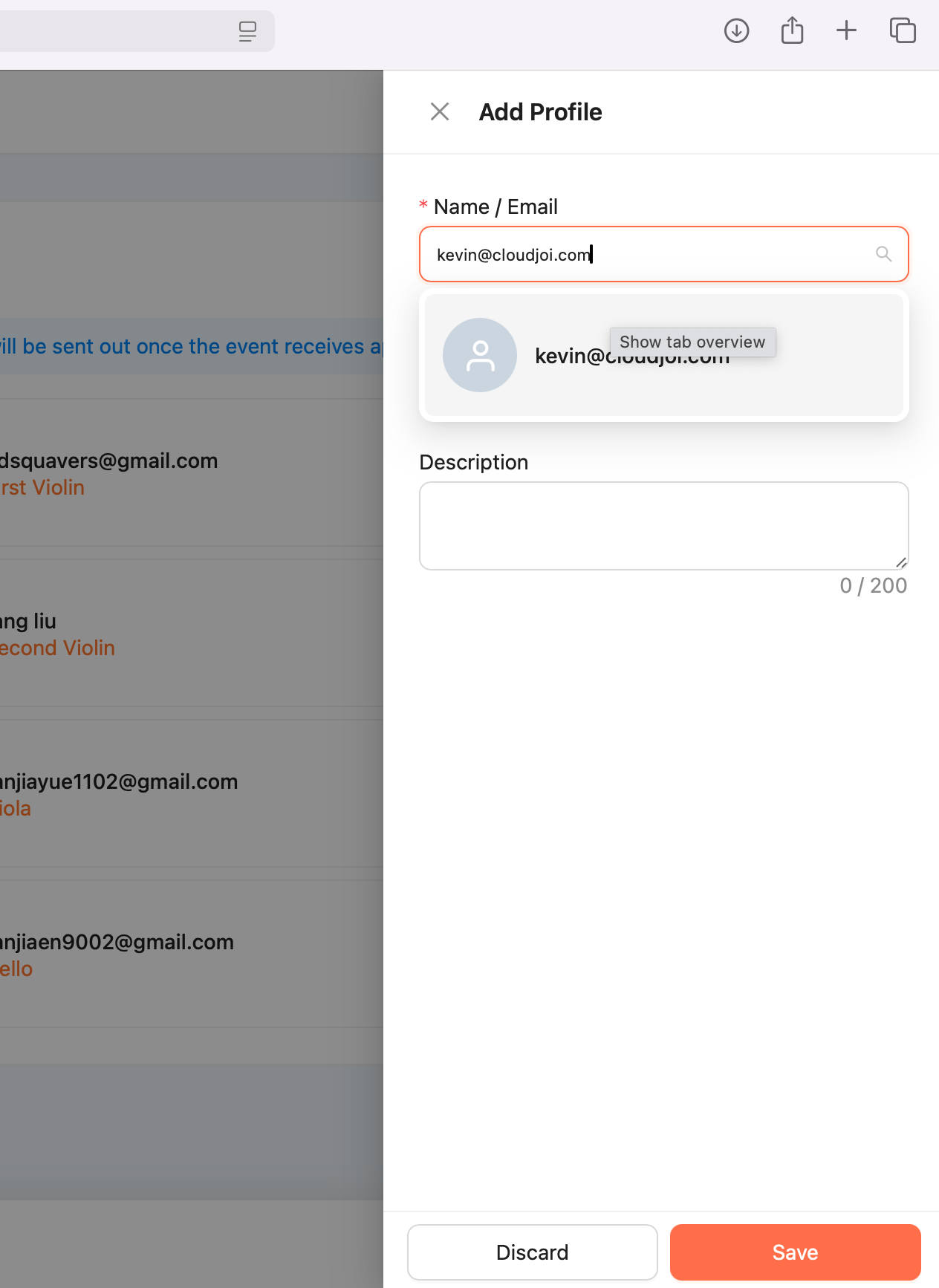
Click "Add New" and fill in:
-
Name/Email (Required)
-
Role (e.g., "Host," "Director," "Keynote Speaker")
-
-
Save – Credits will display on your event page once the profiles approved.
Invitation emails will be sent out once the event receives approval.
Where Credits Appear
-
Event Listing Page (Visible in the "Team" or "Lineup" section)
-
Ticket/Registration Page (Boosts credibility for attendees)
-
Post-Event Recap (If shared with attendees)