To use the CloudJoi Organizer App, every usher and team member must have their own CloudJoi ID. This ensures secure access to your event check-in system and allows organisers to assign permissions individually.
✨ Why each team member needs their own ID
-
Keeps track of who checks in which guests
-
Prevents confusion or duplicate access
-
Allows you to manage access per event or across all events
📝 How to sign up for a CloudJoi ID
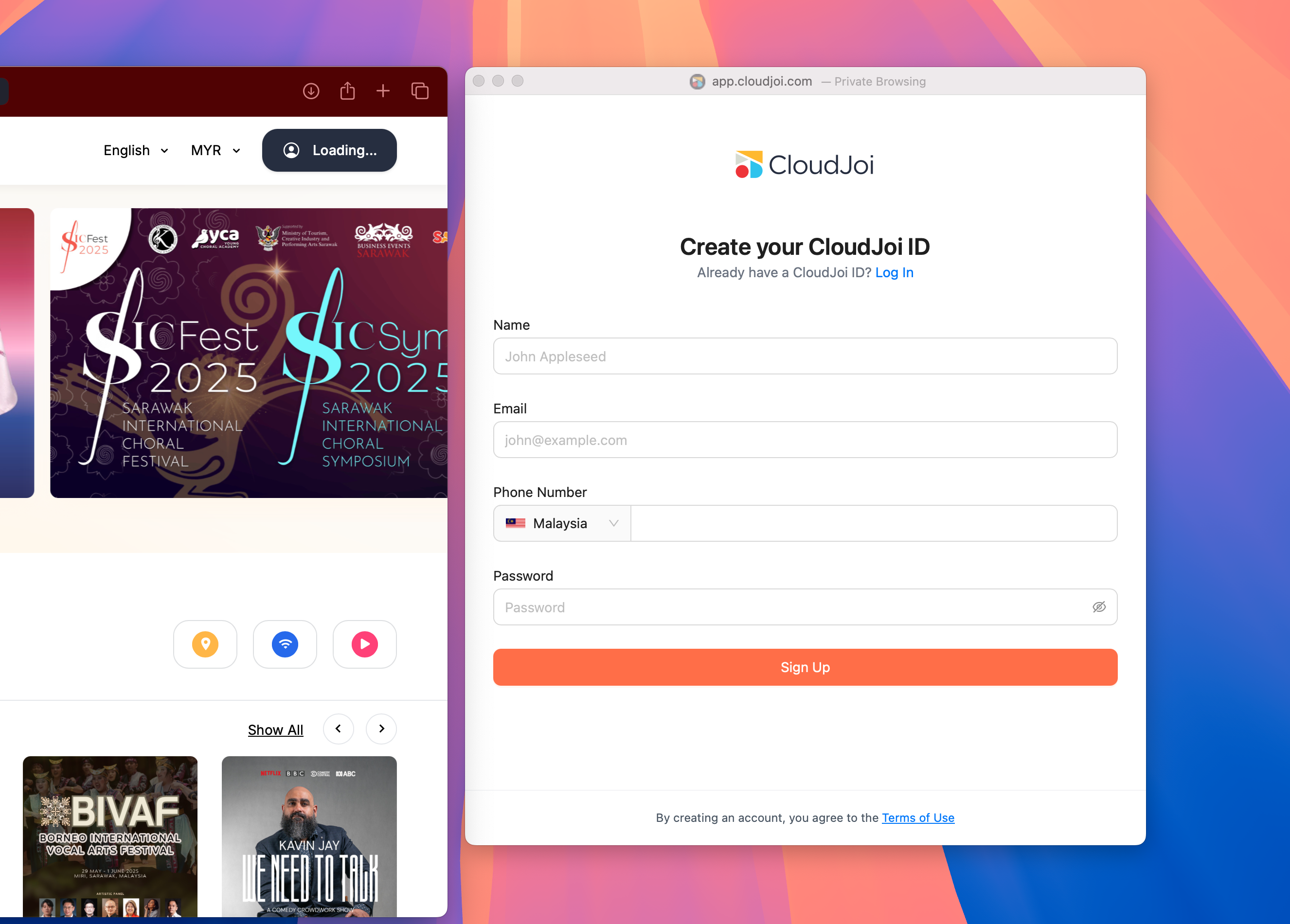
-
Click Login/Sign Up on the top right corner of CloudJoi homepage
-
Enter your name, email, phone number and set a password
-
Verify your email address
Done! You’ve got a CloudJoi ID.
👥 For organisers: Get your team ready
Make sure each usher:
-
Signs up with their own email address
-
Sends you the email they used (you’ll need it to grant access)
You’ll then be able to assign them the right permissions on the dashboard.
Need help?
Drop us a line at community@cloudjoi.com and we’ll walk you through it.