Once you’ve granted access to your usher team, they’ll receive an invitation via email. This step is crucial — access is only activated after they accept it.
✅ What the usher needs to do:
-
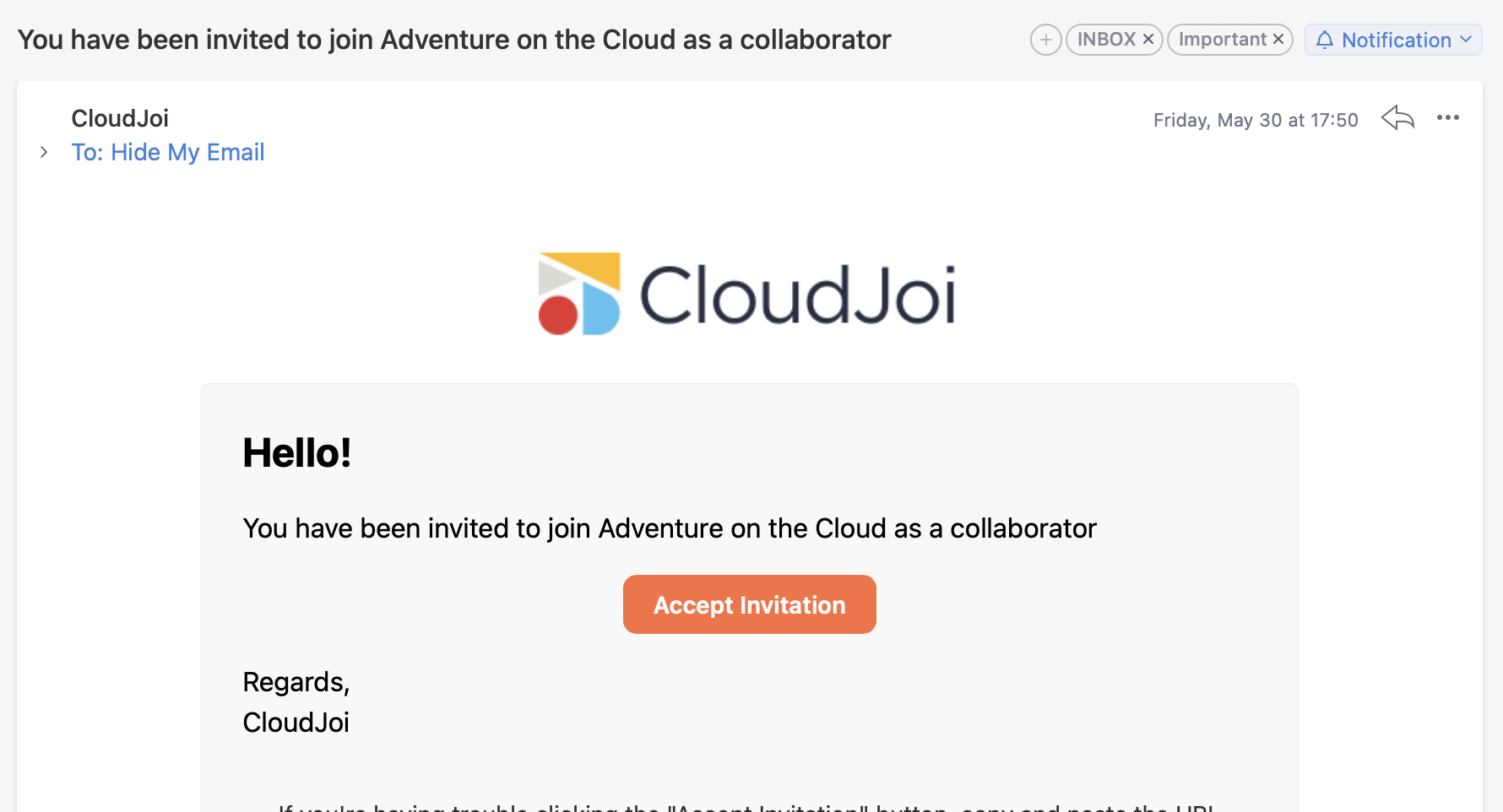
Check their inbox for an email from CloudJoi
-
Open the invitation email
-
Click “Accept Invitation”
-
Log in to the CloudJoi Organizer App
That’s it! They’ll now see the event(s) they’ve been granted access to.
⚠️ Didn’t get the email?
Here’s what you (the organiser) can do:
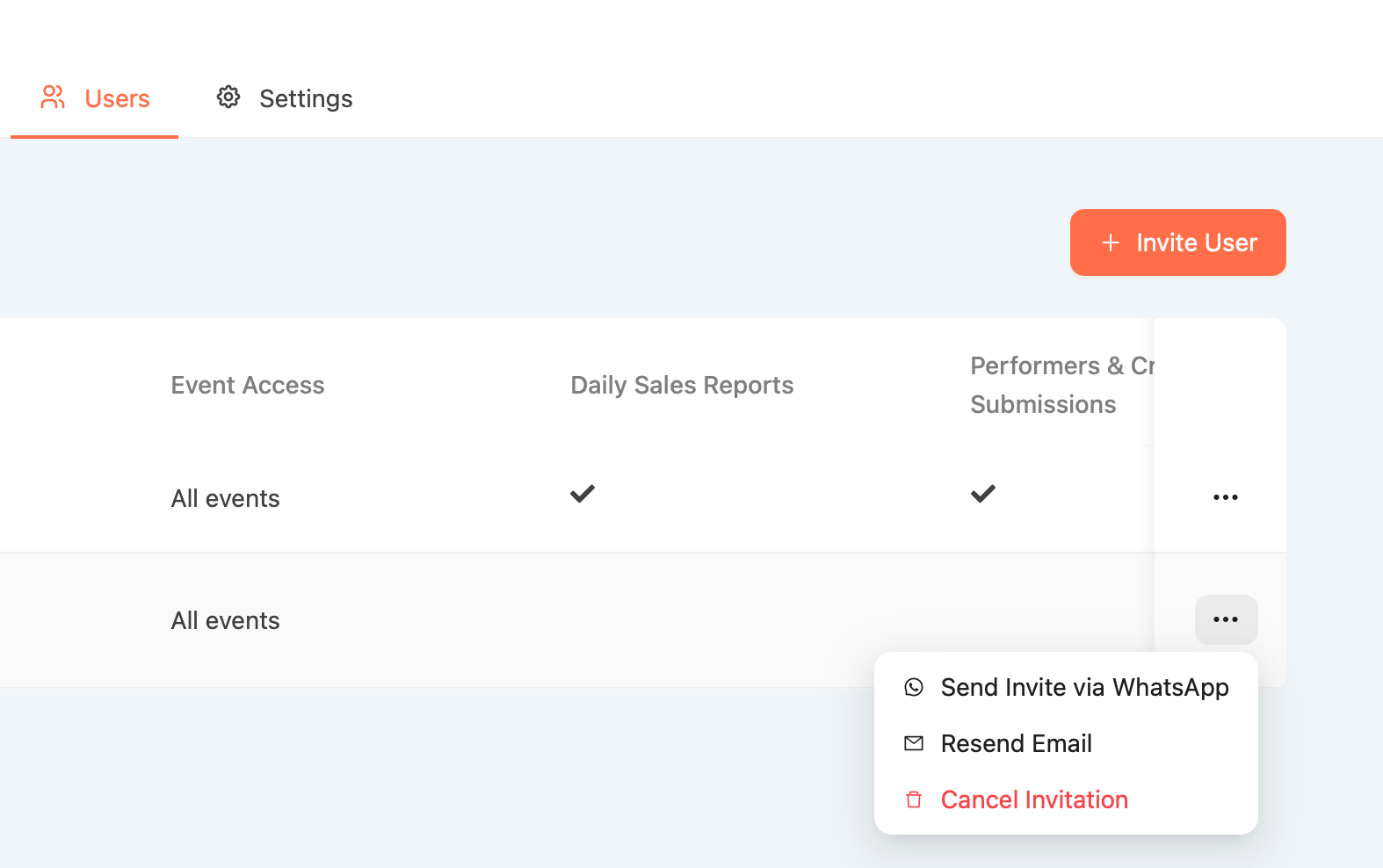 Resend the invite: Open the user list, tap the 3-dot menu next to their name, and select *Resend Email *
Send via WhatsApp: Use the dropdown menu to send the link directly
Cancel Invitation: If all else fails, remove the user and add them again
💡 Tip for ushers:
Ask them to check the spam, promotions, or updates folder in their email — sometimes the invite lands there.
Still no luck? Reach out to us at community@cloudjoi.co