The Sales section in your CloudJoi dashboard gives you a full snapshot of your total ticket collection — including online payments and offline (cash) orders. This is the best place to track how your event is performing in real time.
💡 What’s included in the Sales Summary?
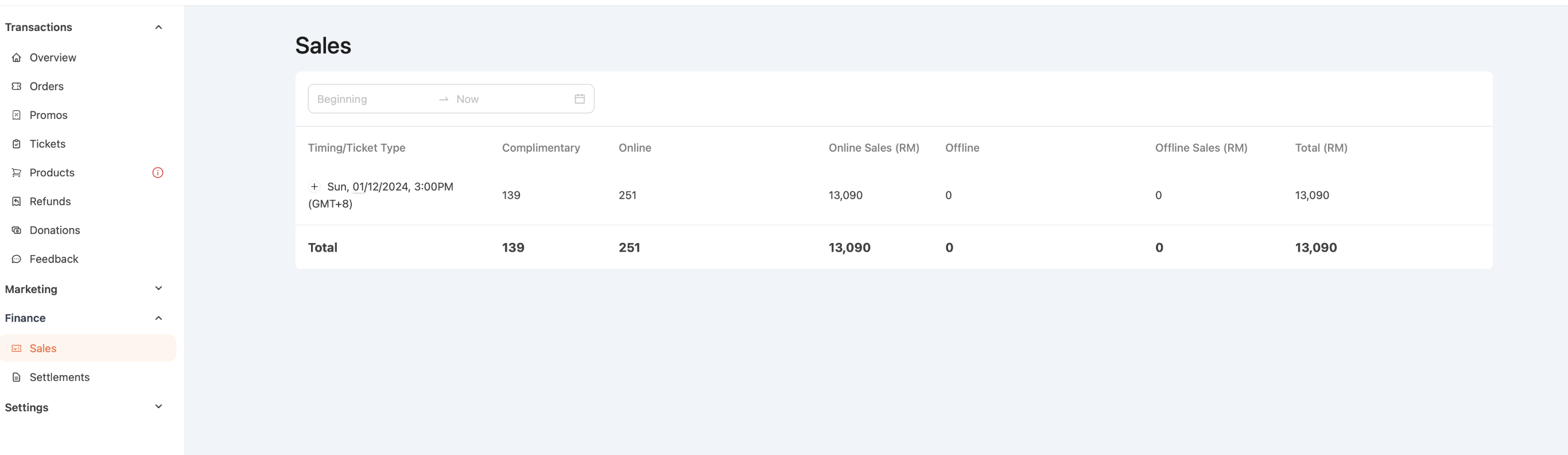 Complimentary: Free tickets issued (e.g. VIP, sponsors, internal use)
Online Tickets: Tickets purchased through CloudJoi’s payment gateway
Offline Tickets: Manual cash orders (e.g. walk-ins entered by the organiser)
💵 About Cash (Offline) Orders
If a ticket sale doesn’t go through CloudJoi’s online payment, it’s considered an offline order. These are typically used for:
-
Door sales or walk-ins
-
Complimentary reservations with manual record
You can create an offline order in:
Transactions > Orders > Create Order > Offline Tickets
✅ Note: CloudJoi still applies the agreed service fee to offline orders.
📅 Filter by Date Range
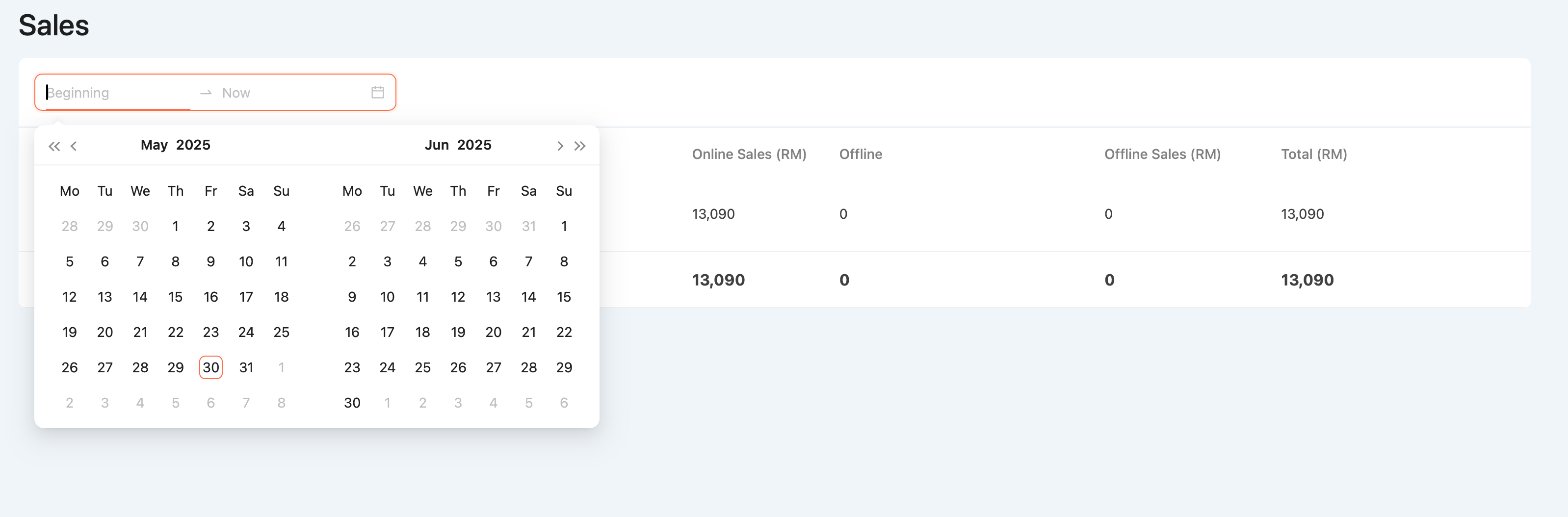 Use the calendar at the top of the Sales screen to:
-
Review a specific period (e.g. only pre-sale, show day, etc.)
-
Match sales trends with promo campaigns
-
Get a clean view for reporting purposes
🧾 What’s not shown in the Sales section?
-
Deductions like service fees, setup fees, or SST
-
Final payout amount (you’ll find that in the Settlement section)