Every Monday, CloudJoi generates your Settlement Report — the document that breaks down total sales, fees, SST, and your final payout. This is your go-to report to verify numbers before confirming payout.
📆 Report Generation Schedule
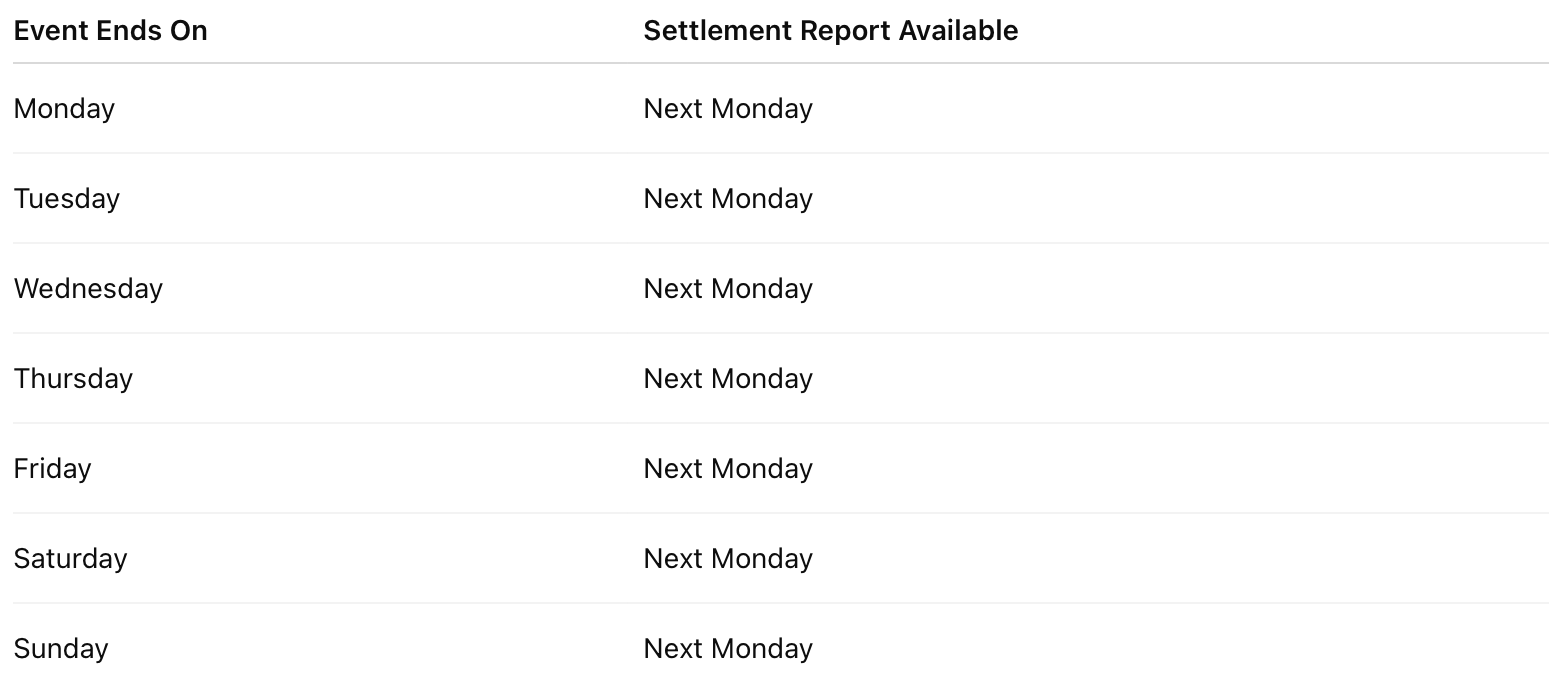 📌 If Monday is a public holiday, the report will be ready on the next working day.
📍 Where to find your report:
-
Go to Finance > Settlements
-
Click into the event’s settlement row
-
You’ll see a summary with a Download PDF dropdown
-
Choose from:
-
Sales Report
-
Settlement Report
-
Invoice
-
✉️ Pro Tip
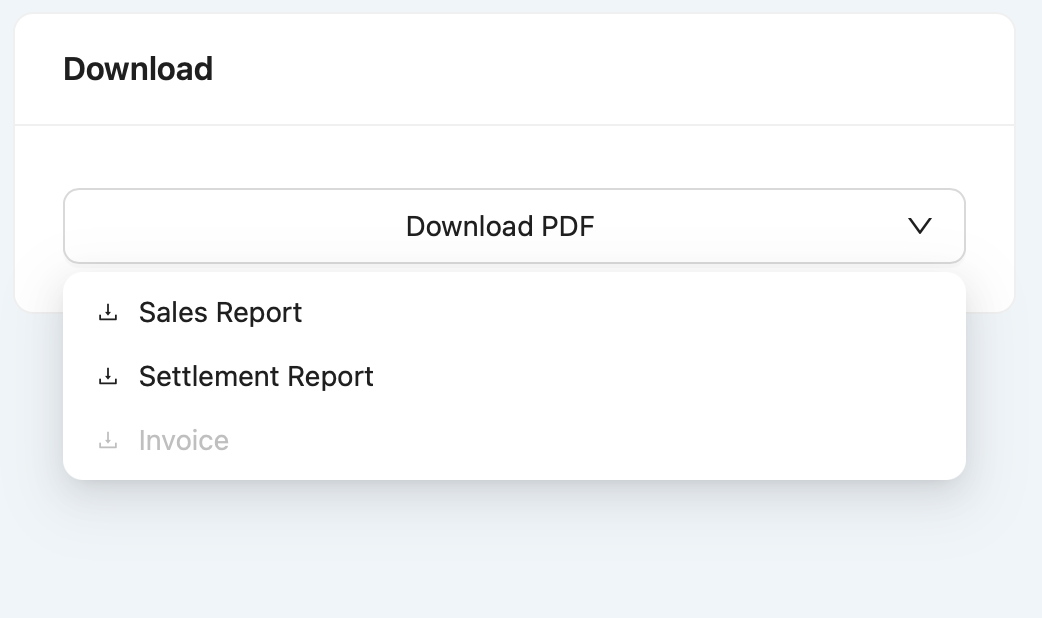
Your invoice will only appear after payout is completed, usually by the end of the same month