Not every team member needs full access — that’s why CloudJoi offers four distinct roles. Each has different capabilities, from managing events to just scanning tickets. This guide outlines exactly what each role can (and cannot) do.
Roles at a Glance
Owner : Full access to all events
Admin : Edit events, manage orders, add/remove users, view finance.
Usher : Check-in attendees only.
Viewer : Read only access, no editing allowed.
Notification Toggles
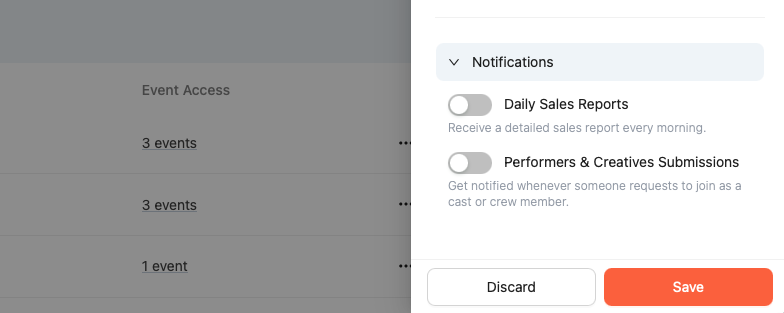
🔔 Daily Sales Reports
-
Available to both organisation-level and event-level users
-
Must be toggled on manually
-
Sent daily at 7:00 AM (based on previous day’s sales)
🎭 Performers & Creatives Submissions
-
Notified only when a new submission request is received
-
Sent on an adhoc basis
-
Optional and toggleable by the user